Canon EF Lens to Fuji X mount T CINE Speed Booster® ULTRA 0.71x Mark II

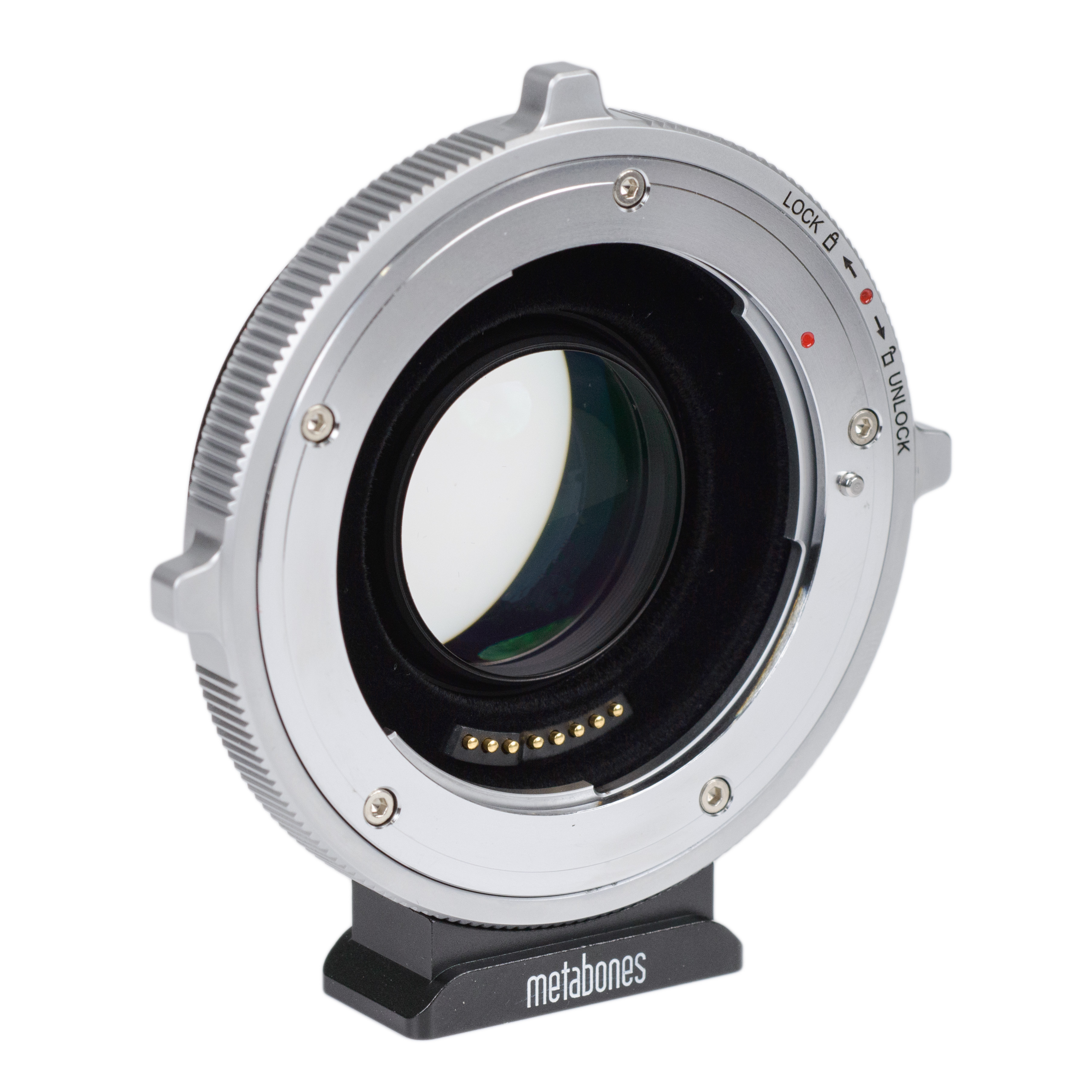
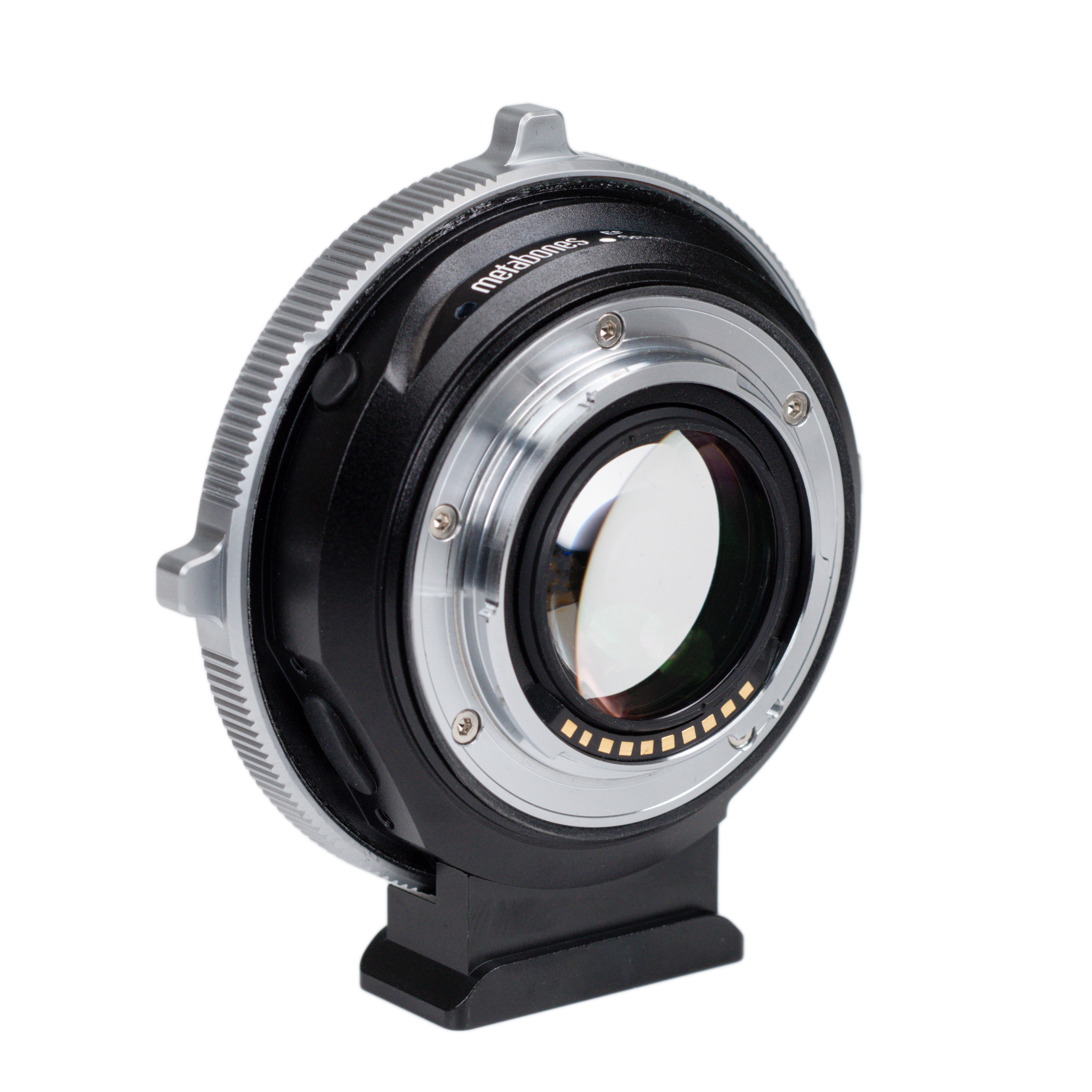
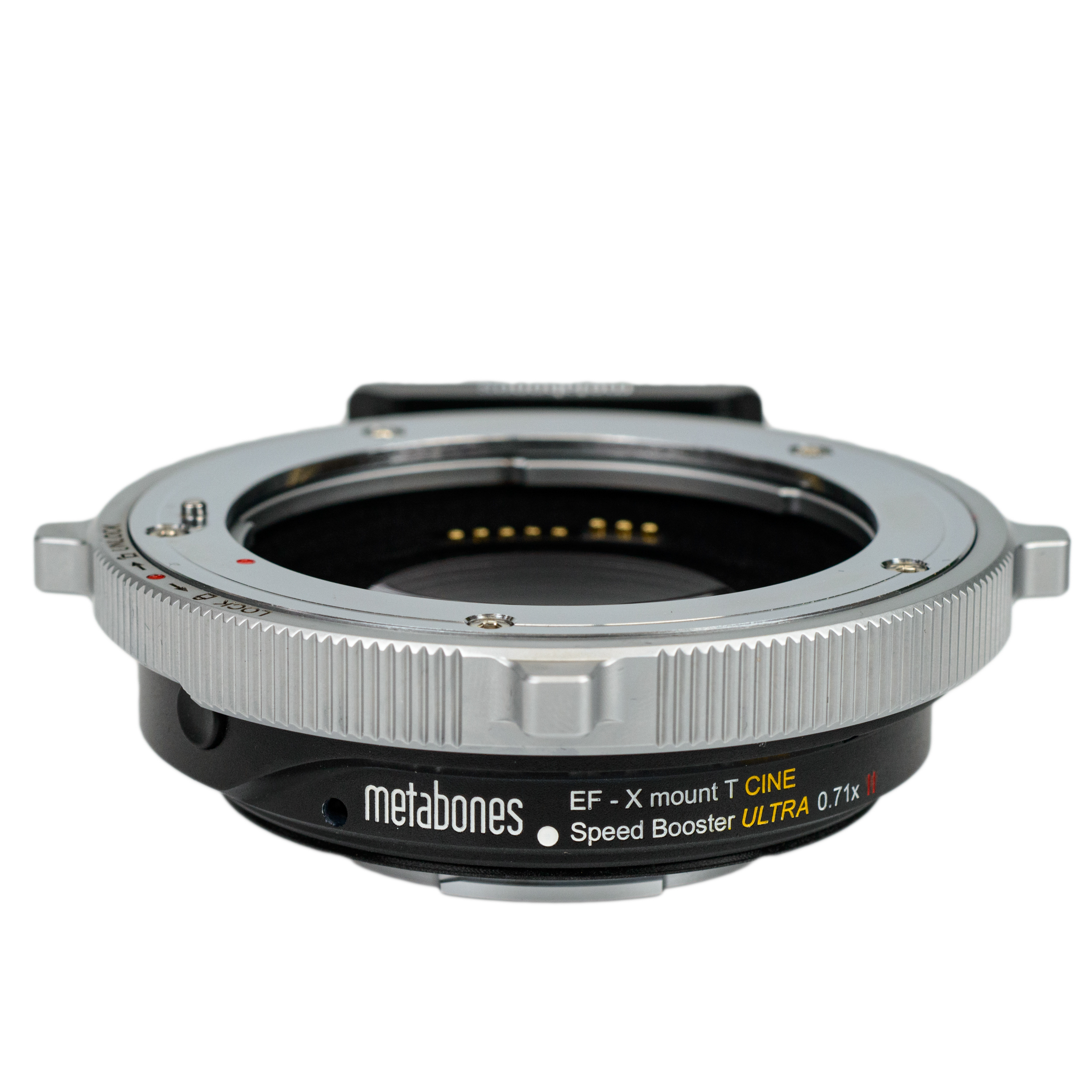
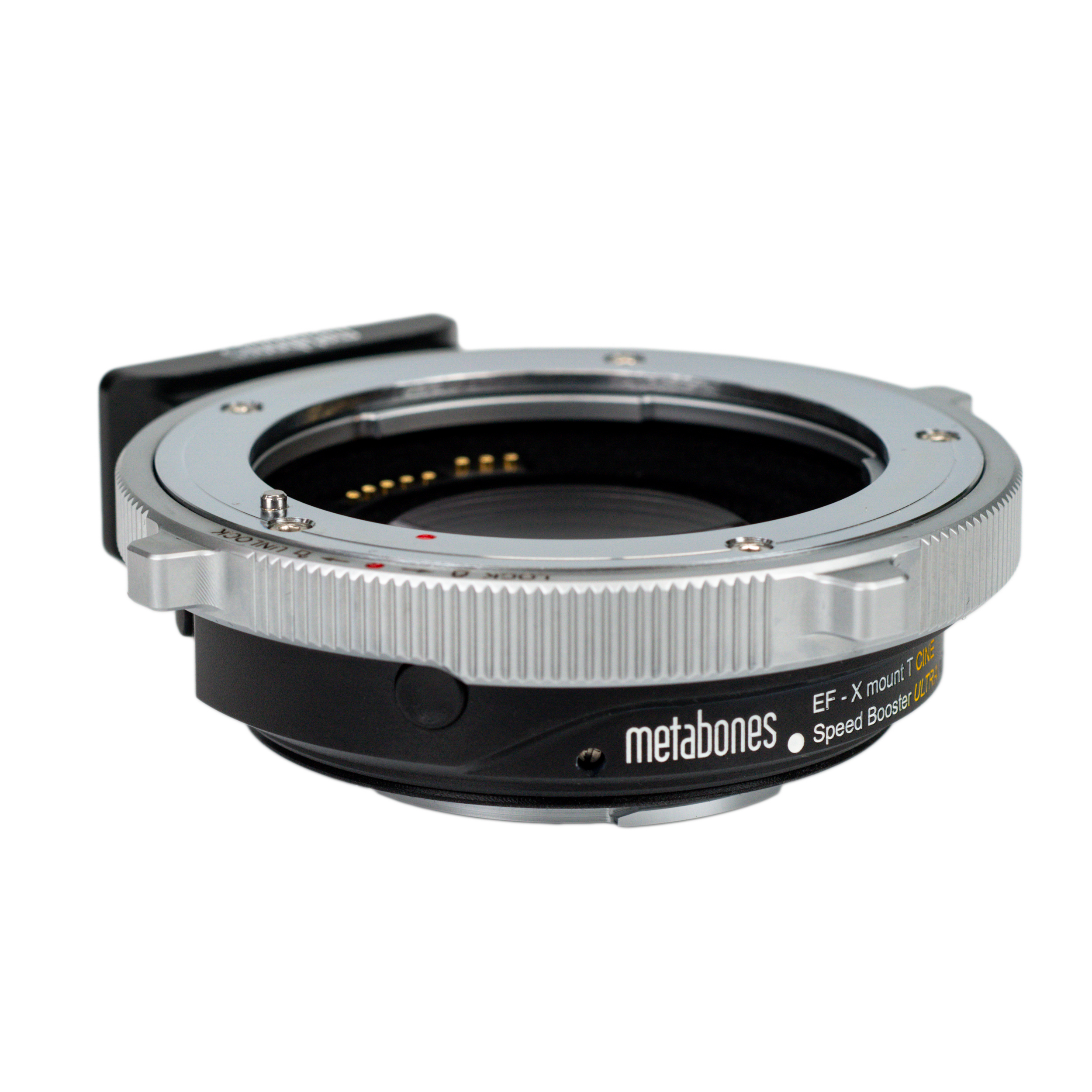
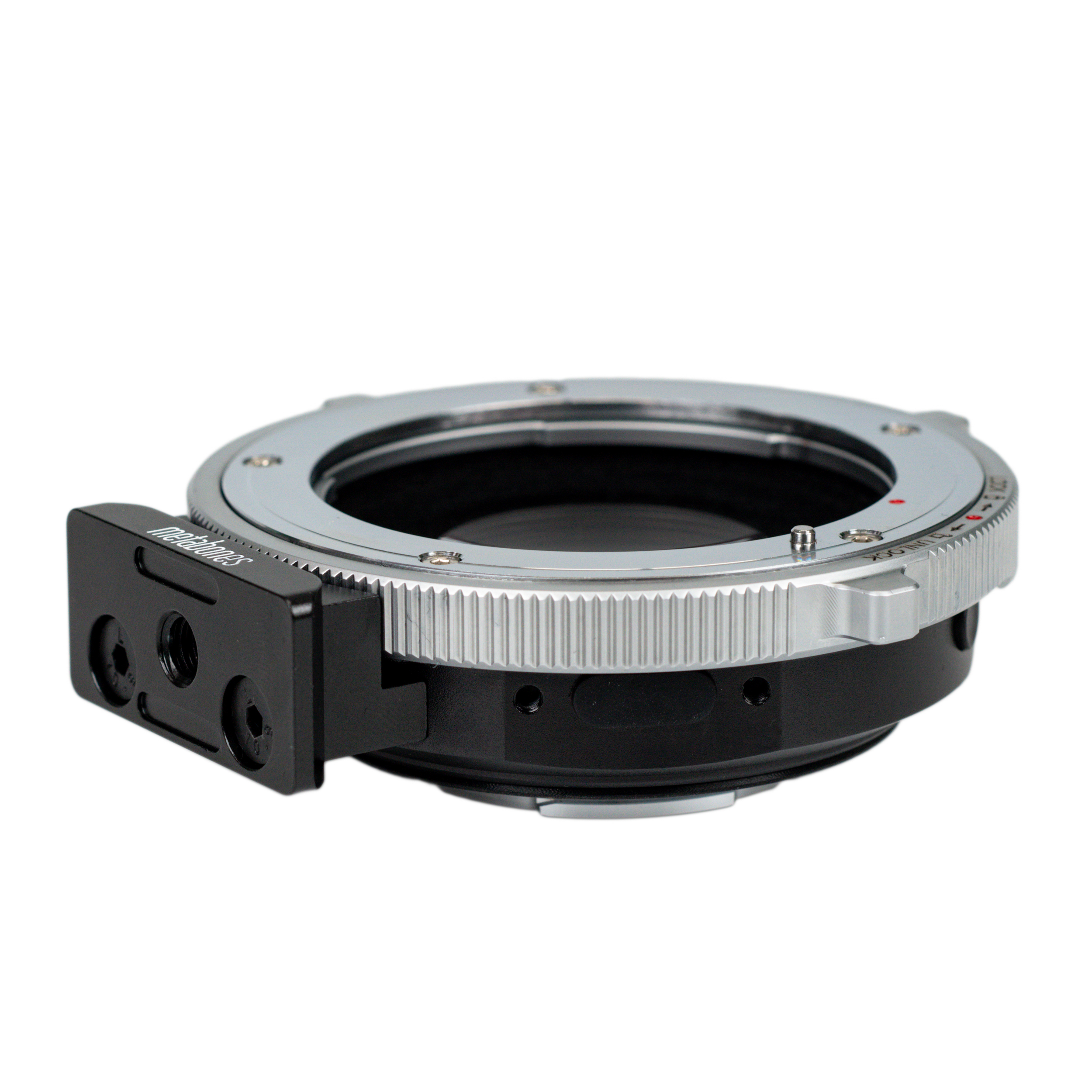
Key Features
Optical
- Increase maximum aperture by 1 stop. (with a maximum output aperture of f/0.9).
- Increase MTF (details).
- Makes lens 0.71x wider.
- Advanced 5-element/4-group optical design incorporating ultra-high index tantalum-based optical glass by Caldwell Photographic in the USA (patent granted).
Electronic
- Canon EF mount lens to Fujifilm X-mount camera.
- Autofocus. Phase-detection autofocus (PDAF) is supported no matter which AF lens is used. Adapters support PDAF by translating pertinent metadata about the optics between the lens interfaces. In this way, broad support of the widest range of lenses is made possible.
- Lens iris/aperture is set by the controls on the camera body.
- Fujifilm XF Teleconverters support.
- Optical image stabilization (IS) lens support.
- Smooth iris support with the latest Canon (2009+), Tamron (SP series 2013+) and Sigma (2016+) lens models.
- T-stop display with supported cinema lenses and supported Fujifilm cameras (X-H series, X-T2 and newer, X-S10).
- Focal length and aperture are adjusted in EXIF (see note 3).
- Store EXIF data (lens name, focal length and maximum/minimum aperture) for one manual lens in the adapter.
- Parallax correction on the X-Pro series rangefinders is also supported.
- LED indicator shows communication status.
- Powered by camera body. With most lenses, no external power source required.
Mechanical
- Patented positive-lock EF lens mount.
- Flocking to reduce internal reflection.
- Rubber gasket protects the X-mount connection from dust and moisture.
- Aluminum alloy and brass construction with chromium plating.
- Satin surface finish.
- Detachable tripod foot compatible with Arca Swiss Style ball head, such as Markins and Photo Clam or attach to quick release plate by a 1/4"-20 screw.
|
Limitations |
|
Description
|
Tested Cameras |
|
Your PayPal receipt is your order confirmation. There is no separate email confirmation until the shipment takes place.
Disclaimer: we are NOT licensed, approved or endorsed by Canon and Fujifilm.
Exclusive Features for Your Fufjfilm Camera
- T-stop display with supported cinema lenses (Canon CN series and Sigma CINE) and supported Fujifilm cameras (X-H series, X-T2 and newer, X-S10).
- Configure manual focus lenses on the camera with a button push on the adapter.
- Parallax correction on the X-Pro series rangefinders is also supported.
Product Video
|
Limitations |
|
Your PayPal receipt is your order confirmation. There is no separate email confirmation until the shipment takes place.
Disclaimer: we are NOT licensed, approved or endorsed by Canon and Fujifilm.
TruePDAF Technology™
TruePDAF Technology™ works by having additional data tailored for your lens, resulting in the highest performance possible with a lens mount adapter. Lens profile data of the following lenses are stored in your Speed Booster or Smart Adapter. The LED turns magenta (instead of white) to indicate that a matching lens profile is found and TruePDAF Technology™ is operational.
Supported Cameras for TruePDAF Technology™
X-H series
X-Pro2 and above
X-T2 and above
Some midrange and entry-level cameras may revert to CDAF.
CINE Series, Featuring Patented Positive-Lock Mechanism
The CINE version is equipped with an extremely robust cine-style positive-locking mechanism to ensure that no play occurs during focusing. This is especially important when using EF lenses for cinema work.
Speed Booster® ULTRA - Sharper corners, less distortion, reduced vignetting
- Increase maximum aperture by 1 stop. (with a maximum output aperture of f/0.9).
- Increase MTF (details).
- Makes lens 0.71x wider.
- Advanced 5-element/4-group optical design incorporating ultra-high index tantalum-based optical glass by Caldwell Photographic in the USA (patent granted).
Like the revolutionary original Metabones Speed Booster® announced in January 2013, the Speed Booster ULTRA has a magnification of 0.71x, and so it effectively reduces the crop factor of mirrorless cameras with DX-sized sensors(APS-C), such as Sony E-mount and Fuji X-mount cameras, from 1.5x to 1.07x. However, the new ULTRA design makes very effective use of exotic materials at the furthest limit of glassmaking technology, and as a result is well corrected for use with virtually all full-frame SLR lenses regardless of exit pupil distance. Thus, the Speed Booster ULTRA performs extremely well with professional-grade f/2.8 zoom lenses such as the 24-70mm f/2.8 and 70-200mm f/2.8 zooms by Canon and Nikon to produce 17-50mm f/2.0 and 50-142mm f/2.0 high-speed zooms, respectively. Similarly, high-speed fixed focal length lenses such as a 50mm f/1.2 will be transformed into a 35.5mm f/0.9 lens with excellent contrast and resolution from the center all the way to the edges of the image. (More information can be found in the press release here)
Note: Speed Booster ULTRA not only boosts the maximum aperture of the lens, but minimum, too. It is no longer possible to go down to f/22 or whatever else the minimum aperture of the lens is.
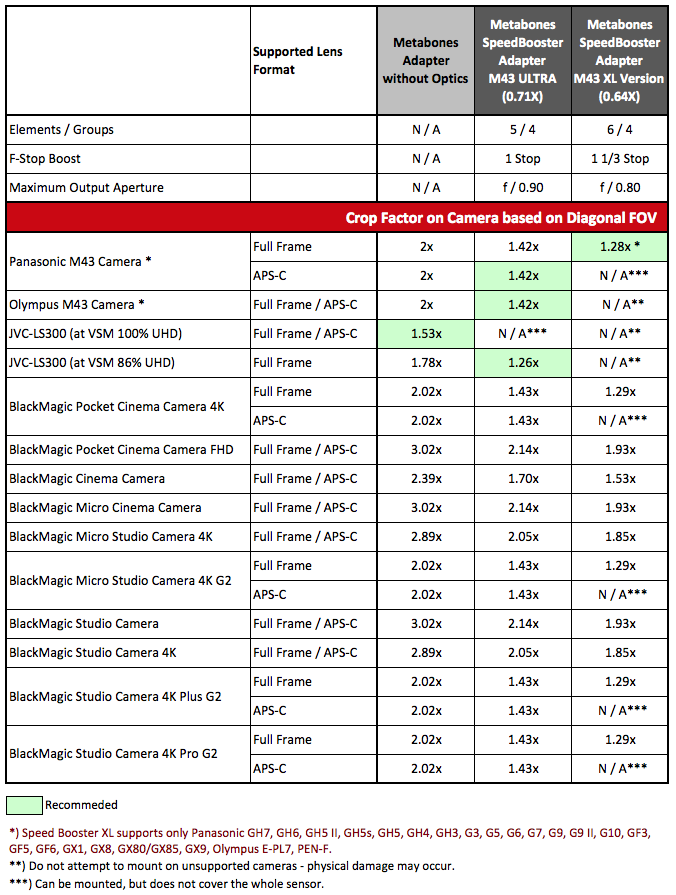
Select the correct EF-MFT Speed Booster fit for your camera:
Lenses with TruePDAF Technology™ Support
Clarification: all your autofocus lenses will get PDAF no matter they are on this list or not. The lenses on this list will get even better PDAF performance.
Canon EF8-15mm f4L Fisheye USM
Canon EF16-35mm f2.8L USM
Canon EF16-35mm f2.8L II USM
Canon EF16-35mm f4L IS USM
Canon EF17-35mm f2.8L USM
Canon EF17-40mm f4L USM
Canon EF20-35mm f2.8L
Canon EF20-35mm f3.5-4.5 USM
Canon EF24-70mm f2.8L USM
Canon EF24-70mm f2.8L II USM
Canon EF24-85mm f3.5-4.5 USM
Canon EF24-105mm F4L IS USM
Canon EF24-105mm f4L IS II USM
Canon EF28-70mm f3.5-4.5 II
Canon EF28-80mm f3.5-5.6 II
Canon EF28-90mm f4-5.6 II USM
Canon EF28-105mm f3.5-4.5 USM
Canon EF28-105mm f3.5-4.5 II USM
Canon EF28-105mm f4-5.6 USM
Canon EF28-135mm f3.5-5.6 IS USM
Canon EF28-200mm f3.5-5.6 USM
Canon EF35-70mm f3.5-4.5
Canon EF35-80mm f4-5.6 III
Canon EF35-135mm f3.5-4.5
Canon EF35-135mm f4-5.6 USM
Canon EF35-350mm f3.5-5.6L USM
Canon EF35mm f1.4L USM
Canon EF35mm f2
Canon EF40mm f2.8 STM
Canon EF50mm F1.4 USM
Canon EF50mm f1.8
Canon EF50mm f1.8 II
Canon EF50mm f2.5 Compact Macro
Canon EF55-200mm f4.5-5.6 USM
Canon EF70-200mm f2.8L USM
Canon EF70-200mm f2.8L IS II USM
Canon EF70-200mm f4L USM
Canon EF70-200mm f4L IS USM
Canon EF70-300mm f4-5.6 IS USM
Canon EF70-300mm f4-5.6 IS II USM
Canon EF100-300mm f4.5-5.6 USM
Canon EF100-300mm f5.6
Canon EF100-400mm f4.5-5.6L IS USM
Canon EF100mm f2.8 Macro
Canon EF100mm f2.8L Macro IS USM
Canon EF135mm f2L USM
Canon EF180mm f3.5L Macro USM
Canon EF200mm f1.8L USM
Canon EF200mm f2.8L II USM
Canon EF300mm f2.8L USM
Canon EF Extender 1.4x I/II/III
Canon EF Extender 2x I/II/III
Samyang AF 85mm F1.4
Sigma 12-24mm F4.5-5.6 EX DG Ashperical HSM
Sigma 20mm F1.4 DG HSM Art
Sigma 24-70mm F2.8 DG OS HSM Art
Sigma 24mm F1.4 DG HSM Art
Sigma 24mm F1.8 EX DG Aspherical Macro
Sigma 28-80mm F3.5-5.6 Aspherical Macro HF
Sigma 28mm F1.4 DG HSM Art
Sigma 28mm F1.8 EX DG Aspherical Macro
Sigma 35mm F1.4 DG HSM Art
Sigma 50mm F1.4 DG HSM Art
Sigma 70-300mm F4-5.6 DG OS
Sigma 70mm F2.8 DG Macro Art
Sigma 85mm F1.4 DG HSM Art
Sigma 85mm F1.4 EX DG HSM
Sigma 100-400mm F5-6.3 DG OS HSM Contemporary
Sigma 105mm F1.4 DG HSM Art
Sigma 150-600mm F5-6.3 DG OS HSM Contemporary
Sigma APO 50-500mm F4-6.3 EX DG HSM
Sigma APO 50-500mm F4.5-6.3 DG OS HSM
Sigma APO 135-400mm F4.5-5.6 RF ZEN
Sigma APO 300-800mm F5.6 EX DG HSM
Sigma APO 70-210mm F2.8
Sigma Macro 70mm F2.8 EX DG
Sigma Macro 90mm F2.8
Sigma Macro 105mm F2.8 EX DG OS HSM
Tamron 28-300mm F3.5-6.3 Di VC PZD
Tamron AF 28-200mm F3.8-5.6 Aspherical 71D
Tamron AF 28-300mm F3.5-6.3 XR Di LD Aspherical [IF] Macro A061
Tamron SP 24-70mm F/2.8 Di VC USD
Tamron SP 70-200mm F/2.8 Di VC USD
Tamron SP 70-300mm F/4-5.6 Di VC USD
Tamron SP 90mm F/2.8 Di Macro VC USD
Tamron SP 150-600mm F/5-6.3 Di VC USD
Tamron SP AF 180mm F3.5 Di LD [IF] Macro B01
Tamron SP AF 200-500mm F5.0-6.3 Di LD [IF] A08
Tamron SP AF28-75mm F/2.8 XR Di LD Aspherical A09
Tamron SP AF70-200mm F2.8 Di
Electronic Features
- Phase-detection autofocus (PDAF) is supported no matter which AF lens is used. Adapters support PDAF by translating pertinent metadata about the optics between the lens interfaces. In this way, broad support of the widest range of lenses is made possible.
- Excellent video AF and AF-C performance on cameras with PDAF support.
- Electronic manual focusing (e.g. EF 85/1.2L II, EF 50/1.8 STM and discontinued EF 50/1.0L)
- Lens iris/aperture is set by the controls on the camera body.
- Both optical image stabilization (IS) lens and in-body image stabilization (IBIS) support, with complete control over which one to use.
- Smooth iris support with the latest Canon (2009+), Tamron (SP series 2013+) and Sigma (2016+) lens models.
- LED indicator shows communication status and whether a match is found in the TruePDAF Technlogy™ database.
- Powered by camera body. With most lenses, no external power source required.
Mechanical Features
- 'T' true flocking to reduce internal reflection.
- Rubber gasket protects the camera mount connection from dust and moisture.
- Aluminum alloy and brass construction with chromium plating.
- Satin surface finish.
- Detachable tripod foot compatible with Arca Swiss Style ball head, such as Markins and Photo Clam or attach to quick release plate by a 1/4"-20 screw. An optional Metabones Mount-Rod Support Kit II is available to securely mount the adapter to your 15mm support rods system.
Lens Compatibility List
|
Compatible Lenses |
Incompatible Lenses |
|
|
|
Limitations |
|
|
No Lens OIS/VC Support
Cannot zoom to widest position even after modification
No AF Support
No Iris Support without External Power Supply
AF may not be accurate
|
|
Unsupported List |
|
Notes:
Note(1) CN-E Compact-Servo lens with some cameras may require external power to autofocus.
Canon CN series (without the E suffix) always require external power supplied through a 12-pin Hirose connector.
Use of Canon Compact-Servo Cinema lenses such as CN-E 18-80mm T4.4 for still photography is not supported. (May be functional, but much slower than lenses designed for still photography.)
Note(2) With fast lenses (faster than f/1.4), the pre-boost apertures will be displayed in the camera.
Note (3) Some improperly-made M42 screw mount adapters may short the electronic contacts of the Speed Booster/ Smart Adapter and cause damage to the adapter and/or camera body.
List of manual focus lenses which REQUIRE MODIFICATION to be used on Speed Booster®
Many manual focus lenses have rear protrusions (spikes, levers, other appendages) which would damage the optics and/or housing of Speed Booster® They need to be modified before they can be safely used on Speed Booster® Check and make sure there are no rear protrusions from the adapter/lens combination before using on Speed Booster®. Scratches and damages caused by rear protrusions or by poor quality adapters are not covered by warranty. The following is an incomplete list of lenses known to be incompatible.
Leica RSuper-Elmar-R 15mm Elmarit R 28/2.8 Elmarit R 35/2.8 Summicron R 50/2 |
Nikon F20/2.8 AI-S |
Olympus OMOM 18/3.5 OM 21/2 OM 21/3.5 OM 28/2.8 OM 50/1.8 |
Pentax KEvery Pentax K-mount lens has a protruding fin and an aperture lever. It does NOT fit. |
Why Metabones®?
Since its inception, Metabones has been designing and manufacturing lens adapters recognized among professionals and enthusiasts as leaders in design and workmanship.
Contrary to the popular trend of other factories using an aluminum ring painted black on the camera-body-side, we instead take no short-cut but use precision-machined brass with chromium plating on both the camera-body and the lens sides of our adapters, in order to ensure smooth mounting, great appearance, and durability. The lens side of the adapter features a strong leaf-spring structure, strengthening the adapter-lens connection and ensuring tightness of the lens in order to reduce wear and prevent focus errors and optical alignment issues from appearing.
Metabones uses matte-black treatment to keep internal reflection to a minimum in order to maintain the maximum optical quality possible with the lens.
All Metabones Adapters follow this tradition of uncompromising precision, robust build quality and outstanding finish. Our new Smart AdapterTM series of products add industry-leading electronic interfacing technology from Canada, with true electronic control of the lens' aperture directly from the camera body.
Features
- Both camera-side and lens-side of the adapter are made of brass, precision-machined and plated with chromium.
- Satin surface finish - just like your OEM lens and camera mounts.
- Precise fit and solid connection - lens has no play, gap or wiggling when mounted on adapter and no adjustments are required to fit your lens.
- Designed to reach infinity focus while maintaining the correct registration distance required to maintain optical quality of CRC lenses or lenses with floating elements.
Our Smart AdapterTM series adapters have the following additional features
- True electronic integration of aperture diaphragm - let camera automatically choose aperture in P or S exposure modes, or dial in yourself on the camera body in A or M modes.
- EXIF data such as lens identification, focal length and aperture.